Part of Driff Plus · free for 14 days
Help that knows what you’re working on.
Driff’s AI steps in only where it’s useful: when you drift, when you’re stuck, when you want to ask about your week, when you’d rather snap a meal than type it, and when a day deserves a picture. Nothing leaves your device until you turn it on.
Stuck on a problem? A nudge, not the answer.
Focus already notices when you drift. When a page of work goes quiet, it checks in the way a tutor would over your shoulder, and nudges you toward the next step. Ask more and it talks it through, never doing the work for you.

Working through the problem set.
Nine minutes and nothing new on the page. It checks in.
A nudge toward the next step. Ask more if you need it.
The work stays yours.
- 01
Your words first.
Say what counts for each area, like “lecture videos count for Classes”. A window you mark “It’s for this” always counts after that.
- 02
Once a window.
Each window is judged once a session and remembered for the day, so it isn’t asking about the same tab every minute.
- 03
Gently, by default.
It waits three minutes off course before it says anything. Make that one minute, or never. Getting back to it takes the word away.
- 04
Progress, not time.
A long page you’re getting through never gets a check-in. One that’s gone quiet for a while does, or every 20 minutes for work on paper, or never. You choose per area.
Ask about your time. It already knows your weeks.
Ask how your week went, when you focus best, or what to do today. Ask Driff answers from your areas and aims, the last 90 days, what’s coming up and what your plugins keep, and shows it in the app’s own charts. Your journal and notes only if you share them; photos never.
Ask in your own words.
It answers from your week, and shows its working.
Keep going. The conversation stays on your device.
Take a photo of your plate. Check it, then keep it.
Driff names what it sees, looks each food up in its own food data, and shows you the estimate to correct before anything is added to your diary. Not right? It can look closer.
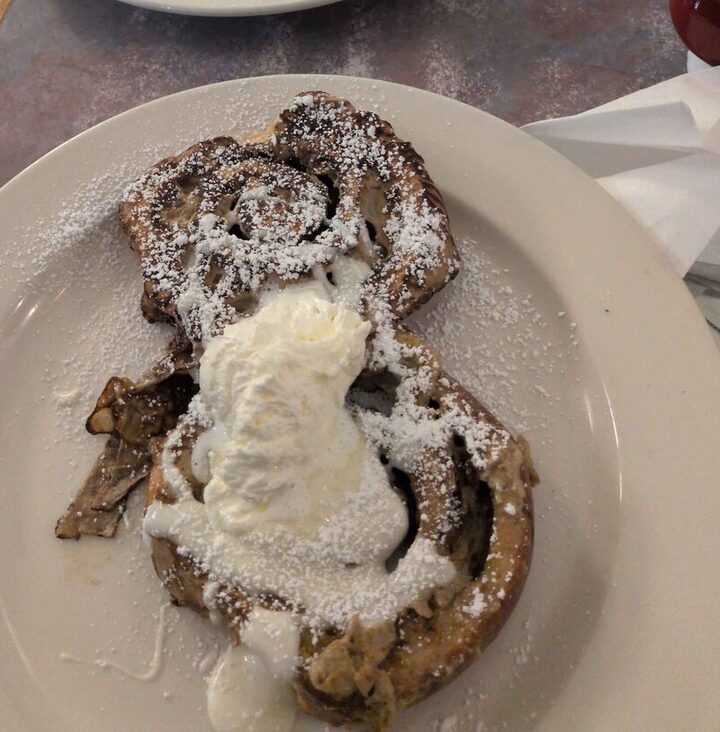
A picture of the plate is enough.
It names what it sees, and the numbers come from food data, not a guess.
You check it, tap to fix a portion, then add it.
A day, painted. Artwork for your cards.
Any day or week can become a card. With Plus it can carry artwork made for it: a scene of the week from where the time went and the songs, or one scene that brings together the photos you choose.
Half a cent to a cent of the month’s allowance each. The photos go together on one small sheet, never one by one.
Your weeks, read back to you.
Driff already tells you how your sleep has been. Soon it will read across everything you keep, your areas, your sleep, your sessions, and say what it notices in a sentence, with the numbers beside it. Coming soon
-
You focus 38 minutes longer the day after a full night.
-
Piano slips on exam weeks, and comes back after.
-
Your longest Classes sessions start before 10.
Sleep beside focus is in Health today. The examples are what reading across your weeks will look like.
Only when you ask. Only what it needs.
A request goes from your device through Driff’s relay to the AI provider and back. The relay checks your plan and counts what each request costs against your monthly allowance; neither of us keeps what was in them. AI requests can’t be end-to-end encrypted, because the model has to read them, so each feature sends only what it needs.
Never sent: Driff’s own windows, password managers and private browser windows.
Part of Plus. Free for 14 days.
$12 a month or $96 a year, with Sync on every device. No keys, no meter. Everything else in Driff stays free.
Free on Android and Linux. Windows, Mac and iPhone soon.